

WordPress AI Assistant: your site is open even at 9:47 PM on a Tuesday. But does it answer?
There’s a precise moment when a small business loses a customer without even realizing it, and it’s not during business hours.
It’s 9:47 PM on a Tuesday. Someone has found your site, likes what they see, and has a question: how much does it cost, how long will it take, are you free next week. On the site they find a contact form, or a chat that replies “contact us for a quote.” They don’t fill anything in. They close the tab and open the competitor’s.
The competitor isn’t better than you. They just answered. A WordPress AI assistant exists exactly for that moment, when no one at your company can.
What we built
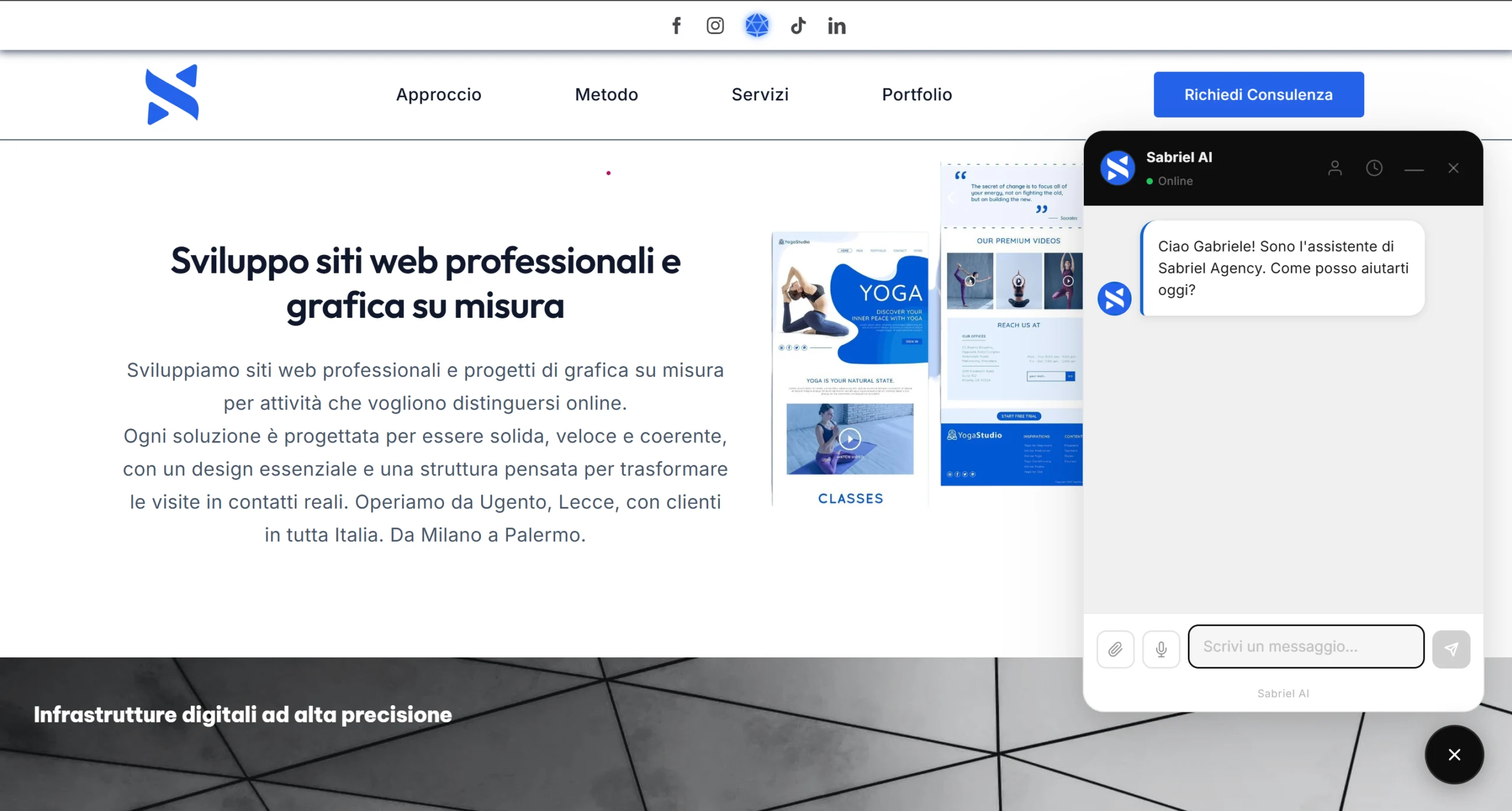
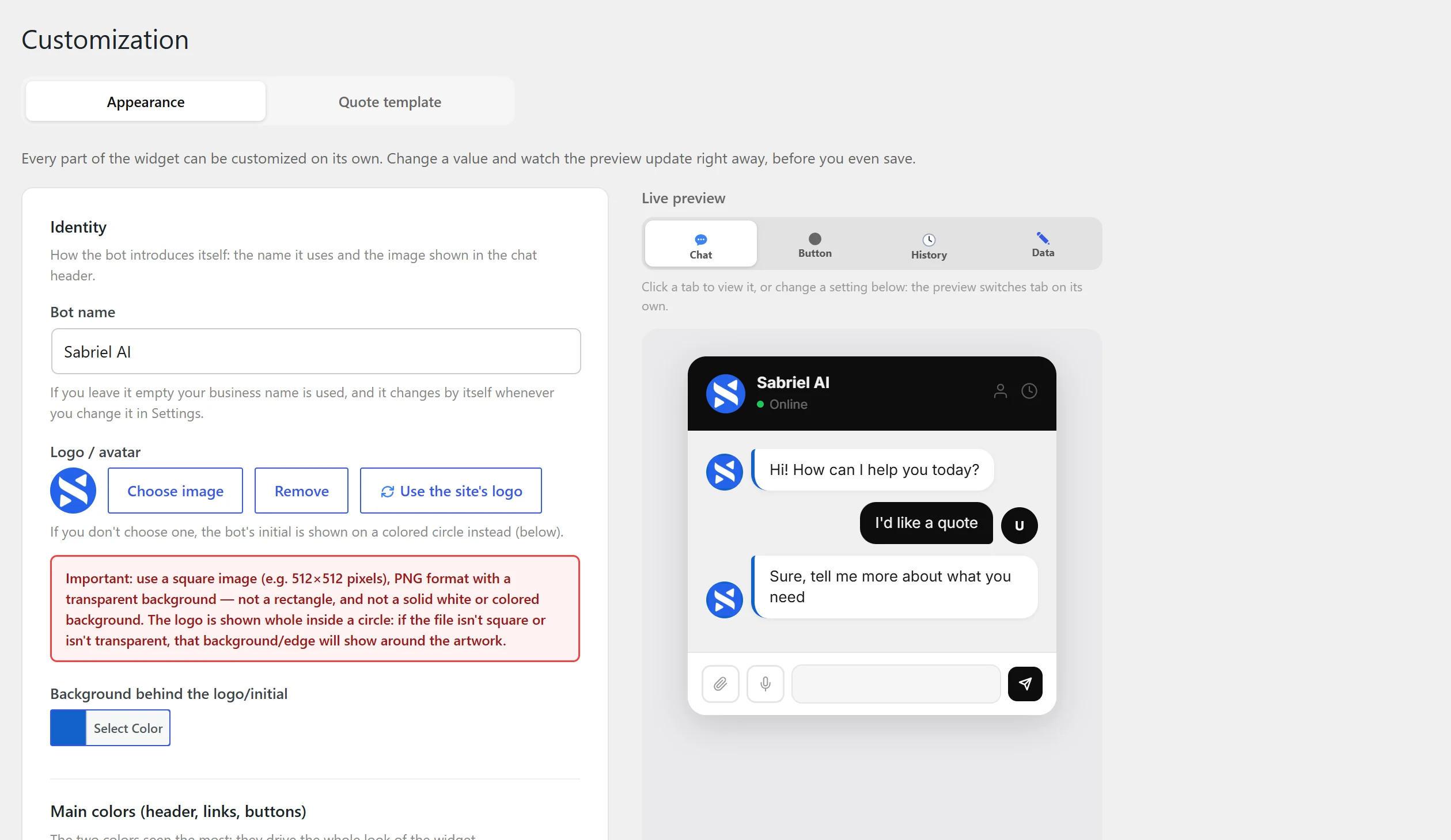
It’s called Sabriel AI, and it’s the WordPress AI assistant that lives inside your site. It responds with your business’s name, your colors, your logo, using the artificial intelligence you choose, with your own key, under your control.
The difference from a chatbot isn’t in how it talks. It’s in what it delivers. If your site’s problem also concerns how it communicates even before the chat, read our guide on how to design a homepage that sells.
It books the appointment. Inside the conversation it opens a calendar based on your actual opening hours and your site’s time zone. The visitor picks a day and time slot, receives a confirmation email, and if they need to reschedule or cancel, they do it through a signed link that only goes to their address. No one can touch someone else’s appointment. If you set one slot per time frame, two people can’t take the same one; if you set three, the calendar closes once the slot is full. This level of automation is what you’d expect from a real WordPress AI assistant, not from a contact form.
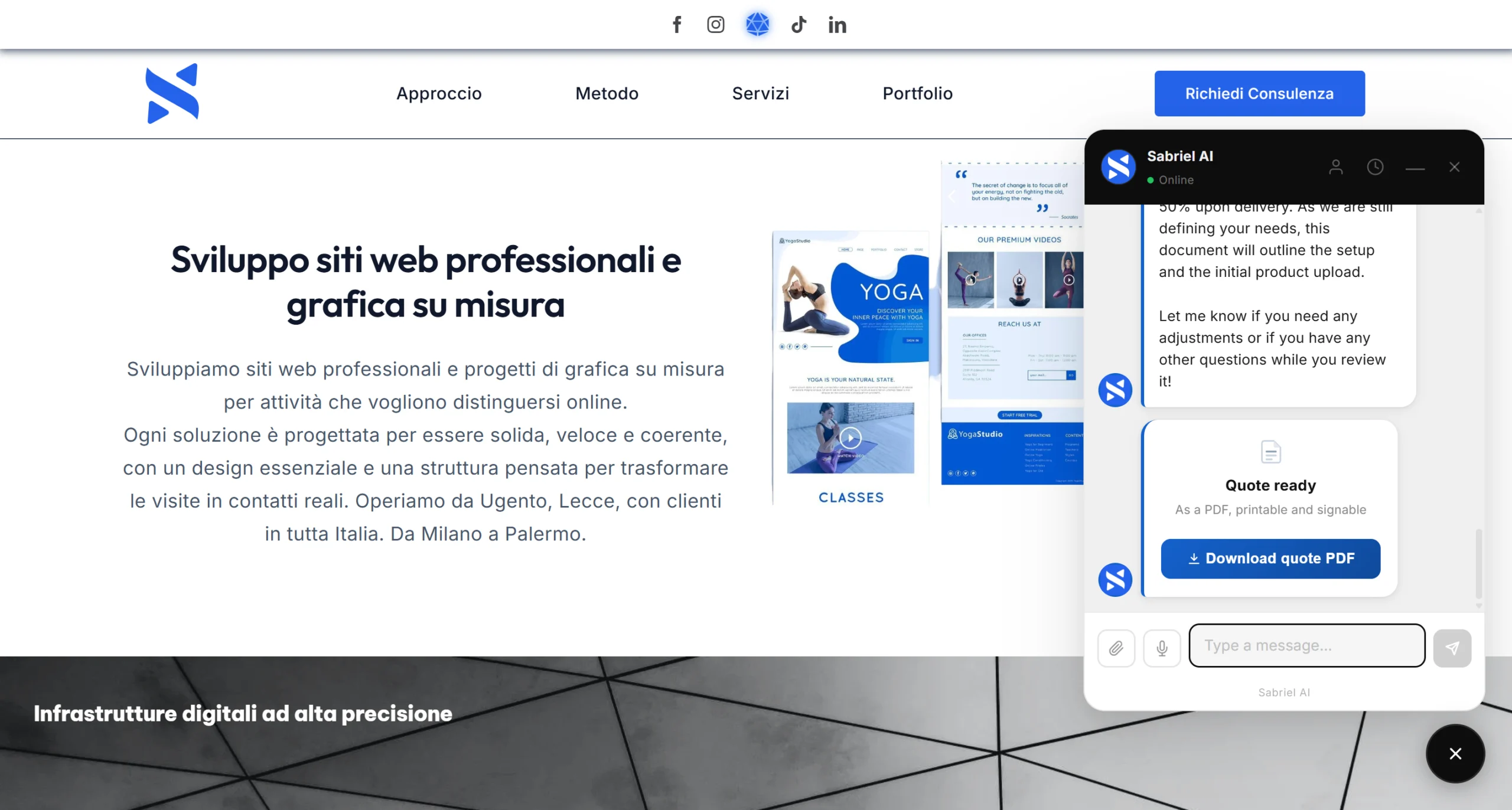
It prepares the quote and delivers it as a PDF. During the chat it calculates the amount based on the price list you wrote, and generates a document with your logo, your sequential number, the VAT line, the payment structure you decided on (deposit, half at midpoint, delivery), your contract terms, and space for a signature. The customer has it in hand before even closing the conversation. And if they wrote to you in German, that PDF is in German: the line items, the description, the reason for the appointment. Not an Italian document inside a German conversation.
Getting the language right in a generated document, not just in the chat, is part of what makes a WordPress AI assistant usable for a business with international customers.
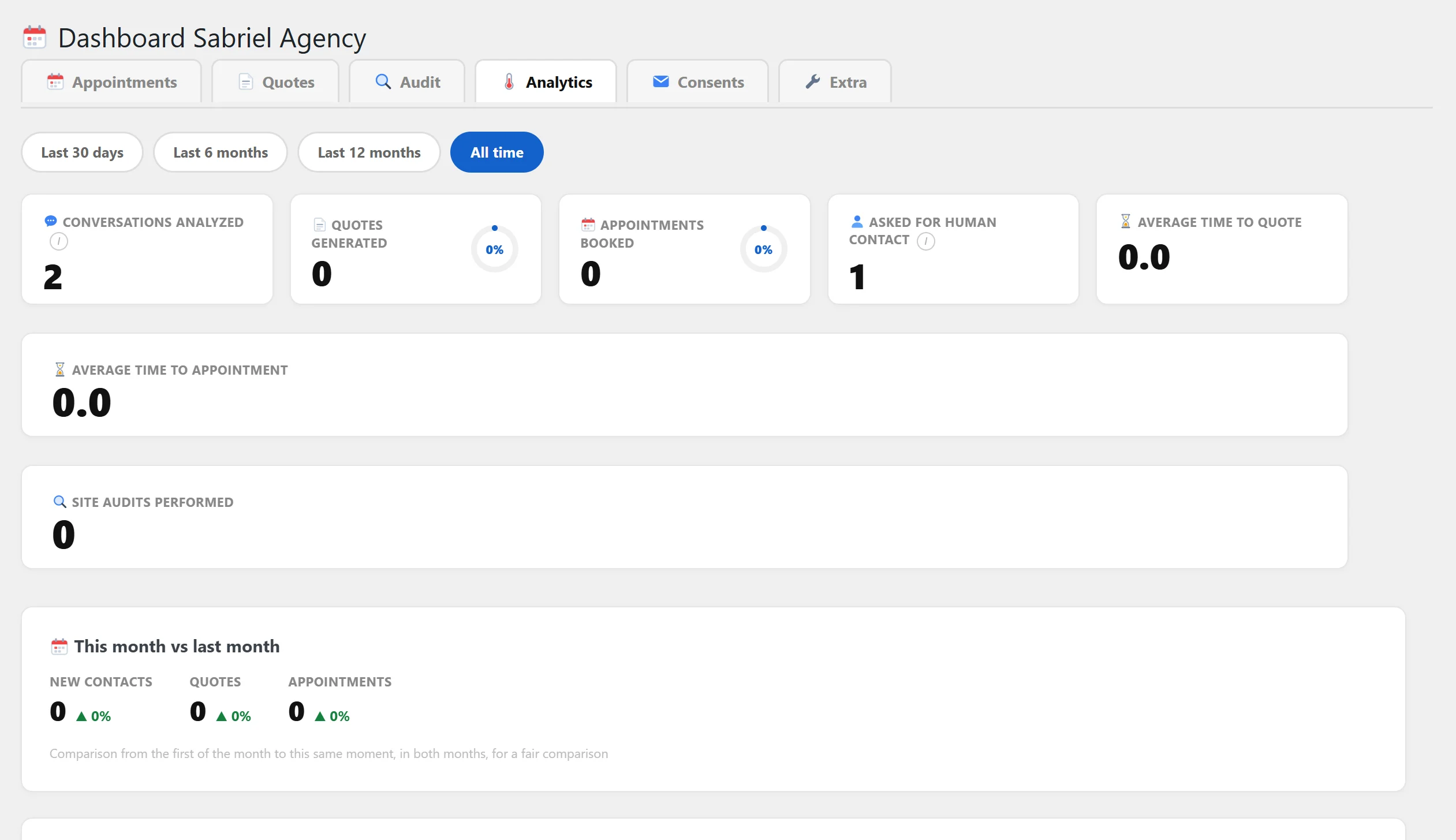
It tells you who’s ready to buy. Every conversation gets classified as hot, warm, or cold, and along with the rating you get a sentence explaining why and which service was being discussed. You don’t open a single chat. Someone who was hot but didn’t close gets an automatic follow-up on day three and day seven, someone who was warm on day six and day fourteen, cold ones never. And if in the meantime they book or ask for a quote, the follow-ups stop on their own. Never more than six emails to the same person, ever, with one-click unsubscribe. A WordPress AI assistant that qualifies contacts on its own is time you no longer spend reading conversations.
It answers with what’s actually written on your site. You pick up to forty pages and it genuinely reads them, one by one, writing a summary for each that you can edit. From that point on, “do you offer support after delivery?” no longer gets “find it all on the Services page,” but “yes, three months are included, then it renews: shall I prepare a quote for you?” If you edit a page, it re-reads it on its own.
It shows your work instead of describing it. When someone asks for an example, the assistant displays cards right inside the chat, with a real image, title, and link, pulled from WooCommerce, the theme’s portfolio, a page, or the blog. And it tells apart a project from a product from a blog post, so it doesn’t pass off a blog article as a project done for a client.
Telling a project apart from a blog post sounds obvious, but it’s exactly the kind of detail that decides whether a WordPress AI assistant feels trustworthy or just automated.
And if you have a shop, it genuinely knows the products. For every WooCommerce product it reads variants and attributes, categories, tags, price, code, and stock availability. To “do you have dishes without sauce?” or “I’d like the black hoodie, size M,” it actually answers, instead of pointing back to the catalog.
It lets visitors talk instead of making them type. Anyone who doesn’t feel like typing uses the microphone. Anyone with a photo or a PDF attaches it, and the assistant reads it as part of the conversation.
Supporting voice and attachments matters because not every visitor wants to type on a phone, and a WordPress AI assistant should work the way people actually communicate.
It configures itself by reading your homepage. The first time you turn it on, a setup wizard reads your main page using artificial intelligence and already suggests a tagline and tone of voice consistent with how you present yourself. Then you edit whatever you want. A WordPress AI assistant that shows up already ready on first launch saves you hours of setup.
And then it does something that has nothing to do with chat
It protects the site it lives on. Nine protections switch on with a toggle: a private login address instead of the standard one that every bot in the world knows by heart, a brake on repeated login attempts, security headers, hiding the site’s version number, blocking the user list, and four more of the same kind. All off at the start, all reversible without touching a single file. On top of that there’s a scheduled cleanup that removes accumulated revisions, unwanted comments, and old rows from the database on its own. A WordPress AI assistant that also thinks about the security of the site it lives on, not just the conversation, is rare.
And if you run an agency, read this part twice
The assistant offers the visitor a free check of their own site. It runs up to twenty-five real checks, divided into four areas: security, Google visibility, experience and speed, trust. Out comes a percentage score and a PDF report sent both to you and to them.
Two details that make the difference. The first: when a check can’t answer with certainty, for example because the site is built in JavaScript and the content only appears afterward, the report names it and explains why, instead of marking it as a failure. On a document you send to a potential client, one fewer item is worth more than one wrong item.
The second: the report lists the problems and never says how to fix them. It’s not an oversight, it’s a rule written into the bot. The solution is you.
Your prospect gets a free diagnosis. You get a name, an email, and a concrete reason to call them back. For an agency, a WordPress AI assistant that generates work from clients’ own sites is a multiplier, not just a tool.
Where your customers’ data goes
Nowhere that isn’t already yours. Nearly one company in four never responds to a lead that comes from their website, according to research from Harvard Business Review — and those who do respond often do it too late because no one in the office saw the message. A WordPress AI assistant solves the problem upstream, by answering itself.
Conversations, appointments, quotes, and reports stay in your site’s database, as normal WordPress content that you can view, export, or delete whenever you want. The only thing that leaves the site is the visitor’s message, sent to the AI engine you chose, with your own key. There’s no server of ours in the middle reading or storing conversations. The paid edition contacts the license store to check that the license is valid: nothing else, no customer data at all, and usage statistics collection is skipped by default. The free edition on WordPress.org doesn’t even have that code.
Keeping that data on your own site, rather than on a third-party server, is part of what a WordPress AI assistant owes the business running it.
API keys are stored encrypted. The plugin registers itself with WordPress’s privacy tools, so an access or deletion request can be fulfilled with the two buttons WordPress already has.
A WordPress AI assistant that respects privacy by default is easier to sell to a client who already worries about data.
How much a WordPress AI assistant costs
There’s a free version on WordPress.org, with the full chat, nine languages, voice, attachments, price list, hours, and all the documentation. It’s not a trial that expires: it’s a real plugin and stays free forever, on as many sites as you want, no registration required.
The paid plans add the engine: bookings, PDF quotes, contact classification, automatic follow-ups, site checkup, page knowledge, portfolio, Mailchimp, security, and dashboard. They start at $19 a month for one site, with annual and lifetime options, up to the twenty-site plan built for agencies. All plans have the exact same features: only the number of sites you can activate the license on changes. Every plan activates the exact same WordPress AI assistant.
If you don’t have WordPress
For those with Shopify, an industry-specific platform, or a custom-built site, we don’t sell a plugin to install yourself: we offer implementation as a service. We take the same engine, configure it, connect it to your site, and handle it ourselves. The principle stays the same: a WordPress AI assistant built to convert, not just to chat. To understand what sets apart a site built to convert, read our guide on what a professional website needs to have.
Frequently asked questions about the WordPress AI assistant
Do I need to know how to code?
No. Every setting is a field, a toggle, or a dropdown menu.
Which AI do I choose?
Whichever you prefer among Google Gemini, OpenAI, and Anthropic Claude. You pay the provider directly and the plugin doesn’t add any cost on top. Next to each model you’ll find an indicative price per million tokens, and Gemini has a free tier that’s enough to get started.
Can the bot make up a price?
No. It gets prices from the price list you write. If a request doesn’t fit the price list, it says so and passes you the contact, instead of improvising a number.
What happens if the subscription expires?
The chat keeps working. Only the paid modules switch off, the settings stay where you left them, the links already sent to your customers to manage an appointment keep working, and you can download the data as a file that opens with Excel whenever you want.
Is it useful even for those who don’t sell online?
Yes. The chat, site security, and statistics work for any business, even a professional practice that doesn’t take appointments through the site. A WordPress AI assistant does its job regardless of the business model.
Why trust it
Before putting it in a client’s hands, I read all of it, line by line, file by file, and tested it by hand on a real site more than a thousand times. The plugin’s changelog is public and doesn’t say “fixed various bugs”: it says which flaw, how it showed up, and what the user saw. You can read it before downloading anything. It’s the level of care any WordPress AI assistant should have before ending up on a site that brings in real customers.
Want to try it?
· See what the full edition does
Your site isn’t on WordPress? Let’s talk, the first consultation is free